 24/7 Customer
Support
24/7 Customer
Support Free Express Shipping 24/7 Customer
Support Free Express Shipping
Free Express Shipping 24/7 Customer
Support Free Express Shipping
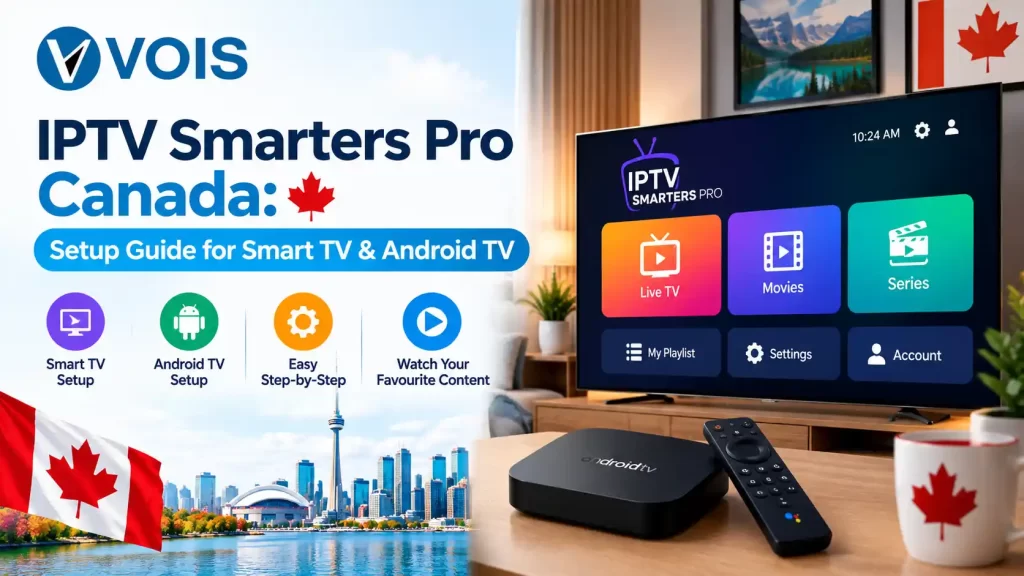
Setting up IPTV Smarters Pro doesn’t have to be confusing. Whether you’re using an Android TV box or a Smart TV, this guide breaks down the exact steps to get your channels running smoothly. Most people get stuck at the same two or three points, so those are covered separately below.
IPTV Smarters Pro is a free media player app that organizes and plays IPTV content using M3U playlists or Xtream Codes credentials from your provider. It doesn’t broadcast channels itself — it simply displays them in a clean, easy-to-navigate interface.
Canadian users prefer it for its EPG support, multi-device compatibility and consistent performance. It’s been around long enough that most providers build their playlists to work with it directly, which is part of why it remains a go-to choice over newer apps.
Enjoy a complete entertainment experience with Vois IPTV. Get access to 15K+ channels and 50K+ VOD titles, including movies and content in multiple languages. Choose a flexible IPTV subscription designed for viewers across Canada.
Explore Vois IPTV subscription options for viewers across Canada.
IPTV Smarters Pro fits naturally into multi-device households and offers features that mirror traditional cable:
The app is free, but its performance depends heavily on the IPTV Service powering it. A strong app paired with a weak server will still buffer, so the two should be judged together.
| Requirement | Details |
| Internet speed | 15–25 Mbps minimum for HD/4K |
| Device type | Android TV, Smart TV, Firestick or mobile |
| Login credentials | M3U URL or Xtream Codes (host, username, password) |
| Installation source | Play Store, Amazon Store or Downloader app |
| Active plan | A valid IPTV Subscription or Free Trial |
Android TV supports the app directly through the Play Store, making this the fastest setup path.
Once loaded, sort channels into favourites and use the guide to plan viewing. First-time users sometimes think the app has frozen while a large playlist loads — give it a minute before troubleshooting.
Smart TV installation depends on your TV’s operating system and app store availability.
Tizen and webOS don’t always list the app natively:
For older Smart TVs, use the Downloader method:
This takes longer than a Play Store install since you’re sideloading the file, but it works reliably once done.
Once installed, enter your host URL, username and password exactly as given — small typos are the most common setup failure. If you’re still deciding on a provider, look for one offering an IPTV Canada plan with a short IPTV Free Trial to test speed and channel quality before paying.
Watch how fast channels switch during the trial — that’s a better quality signal than channel count alone.
Most issues are minor and resolve quickly:
If none of these help, restart your router first — most playback issues trace back to the connection, not the app.
Performance of an app isn’t everything though. Dependable streaming via IPTV Smarters Pro will highly depend on the service provider itself – its server uptime and support team.
Checking out different providers prior to making a decision can help you save yourself from buffering issues in the future. You can ask your service providers if they have backup servers – it’s not always mentioned on their websites.
